Unit number
| Icon |
|---|
 |
Description
GSA-Grasshopper includes a new way to work with units inside Grasshopper; we call this parameter a UnitNumber. For components that are using a UnitNumber as input parameter you can simply input a number as usual in GSA and the component will automatically convert it into the selected unit on the component's dropdown.
A UnitNumber is technically a Quantity defined as:
We are using the opensource library UnitsNet and have extended it with engineering units. The project is opensource, and should you require a unit that is not supported you can add it to either UnitsNet or OasysUnits.
Create unit number
The following units have been exposed (many more are available in UnitsNet, let us know if you need them exposed...):
AngleLengthAreaVolumeAreaMomentOfInertiaForceForcePerLengthForcePerAreaMomentStressStrainAxialStiffnessBendingStiffnessCurvatureMassDensityTemperatureVelocityAccelerationEnergyRatioTimeLinearDensityVolumePerLengthSectionModulus
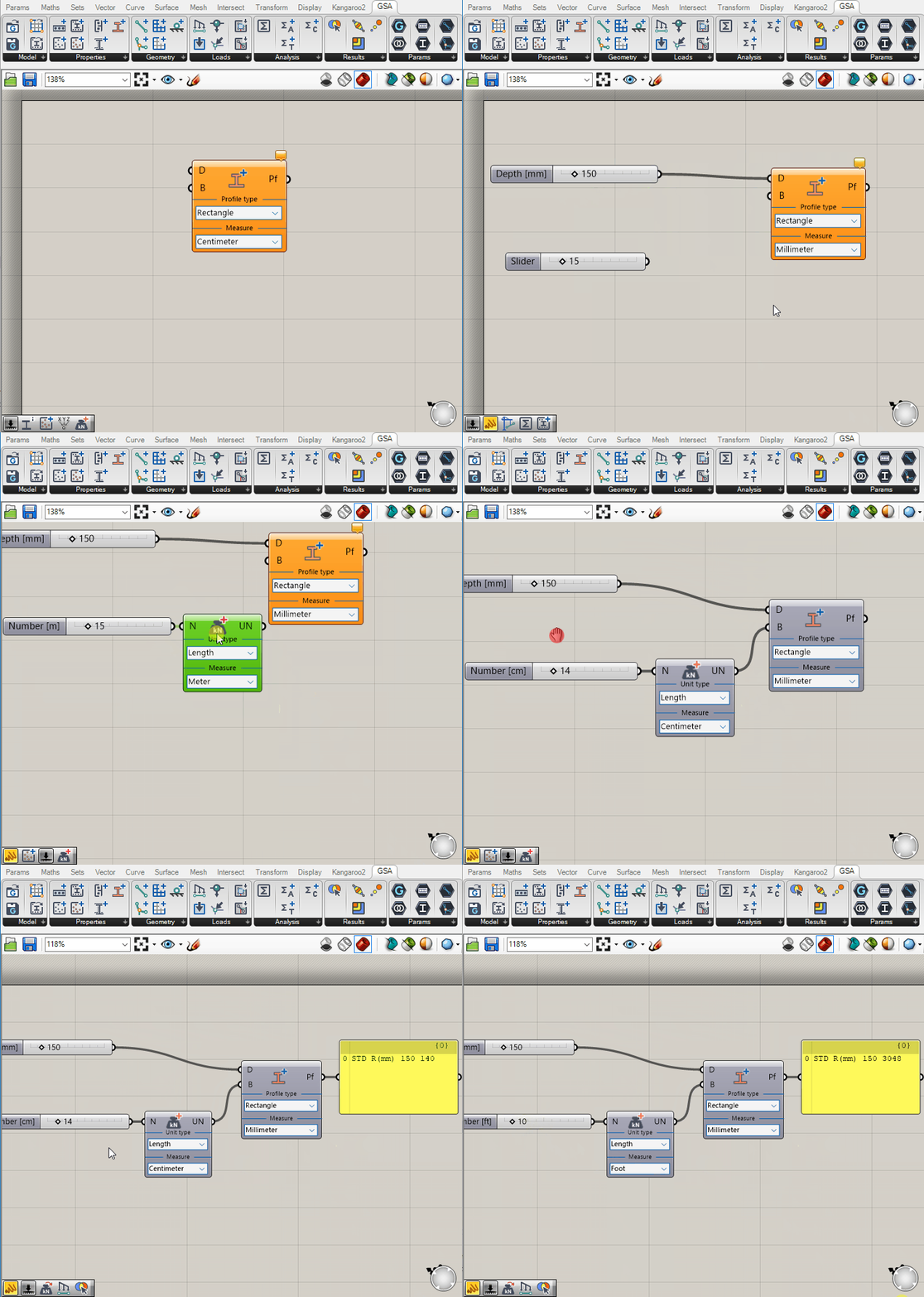
As mentioned, most components having UnitNumber inputs will also have a dropdown for you to select the unit . You can input a normal slider component to create a UnitNumber input of the selected unit, or you can use the Create UnitsNumber component to create (and mix) your own:
Convert unit number
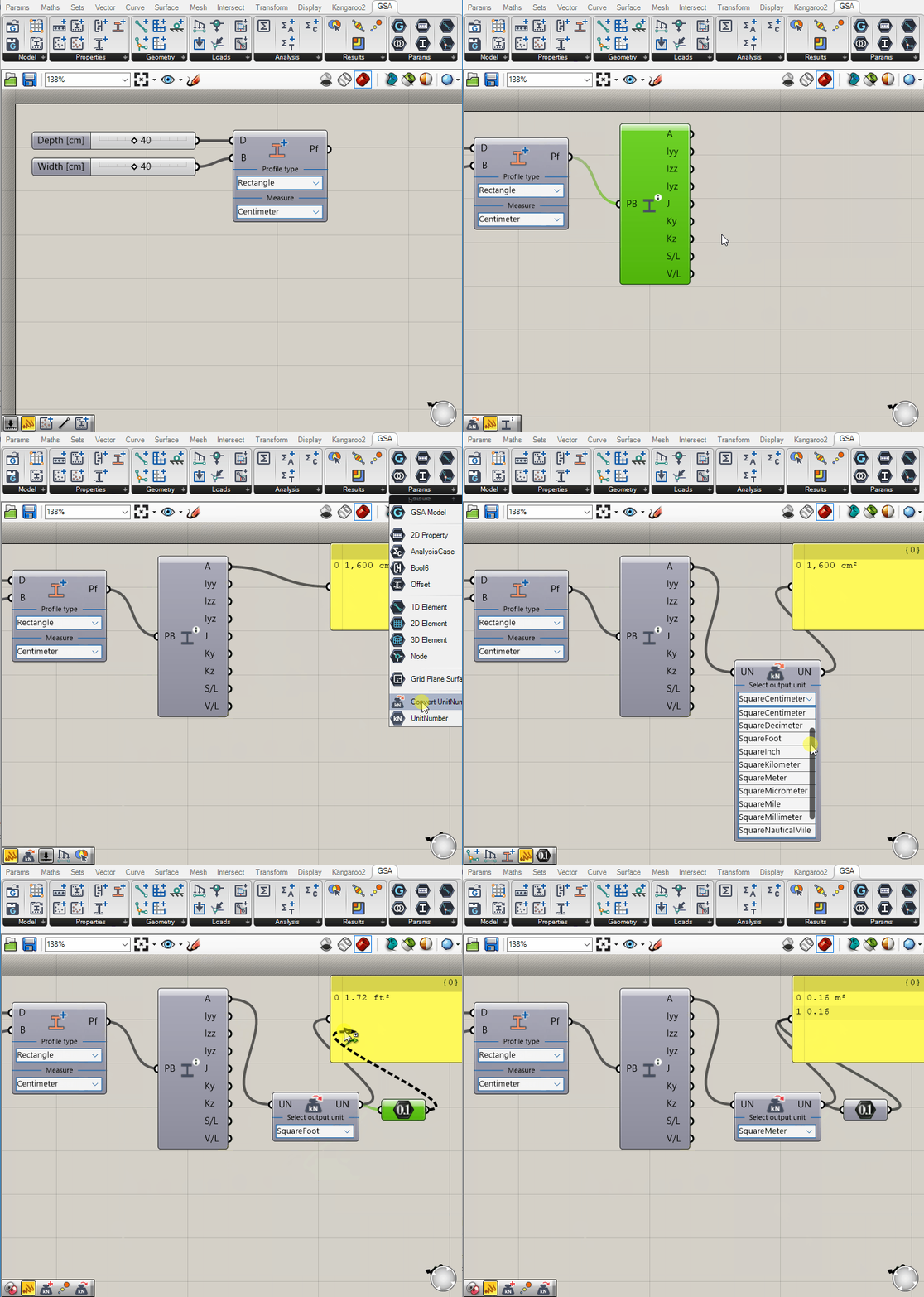
Aside from creating a Unit Number from scratch, you can also convert a UnitNumber between units of the same type. This is handy for results that you may want to convert into a more familiar unit.